Translate Us Guides
Translate Us translation guides for iPhone
Short answer: Translate Us is an iPhone translator for voice, text, photo, live camera, real-time conversations, translator keyboard, and AI dictionary across 200+ languages.
Practical Translate Us guides for using voice, text, photo, live camera, conversations, translator keyboard, and AI dictionary on iPhone.

Published by Clara Publisher
Translate Us is an iPhone translator for voice, text, photo, and live camera across 200+ languages.
These guides turn common translation moments into clear iPhone workflows, reusable prompts, and quick checks.
Choose the right Translate Us workflow
Use voice or text when you know what you want to say. Use a photo or live camera when words are in front of you. Real-time conversation helps two people follow an exchange, while the translator keyboard and AI dictionary help with the next message or phrase.
- Voice and text for deliberate messages.
- Photo and live camera for signs, menus, and other visible words.
- Real-time conversation for two-person exchanges.
- Translator keyboard and AI dictionary for follow-up wording.
iPhone workflow
Use Translate Us for the moment in front of you
- Open Translate Us on iPhone and choose voice, text, photo, or live camera for the input you have.
- Set the source and target languages, then read or listen to the translation in context.
- Use real-time conversation when two people need to follow the exchange.
- Continue with the translator keyboard for messages or the AI dictionary for a word, meaning, or example.
Explore
Latest Translate Us guides
 Remote WorkAI Translation for Remote Teams: A Practical iPhone WorkflowRemote teams can use AI translation to reduce friction in messages and conversations, but each important decision still needs a named human owner and reviewable source.
 AccuracyAI Translation vs. Human Translation: Which Is More Accurate?AI translation is fast and useful for routine access, while human translation adds context, judgment, and accountability. Accuracy depends on language, content, and consequence.
 Travel LanguageArabic for Travelers Before Landing: Prepare by DestinationPrepare a short arrival request, hotel sentence and clarification line for the actual country you will visit. Keep Arabic script available to show, and have important local wording checked rather than assuming a general Arabic translation matches every spoken variety.
 App ComparisonsBest AI Translator Apps for iPhone: What to Look ForThe best AI translator app depends on how it handles context, voice, photos, conversations, and messages. Compare real iPhone tasks instead of trusting the AI label or rankings.
 French TranslationBest French-to-English Translator App: Choose by Task on iPhoneChoose by the French you need to understand: text for messages, photo for a menu, and voice for a spoken turn. The examples below show the details and context to check.
 Japan TravelBest Japanese Translator App for Travel: Choose by TaskThe best Japanese translator app for travel depends on whether you need menus, signs, voice exchanges, two-person conversation, written replies or word context. Translate Us is one iPhone option with listed text, voice, camera, keyboard and dictionary tools. Test your travel tasks separately before choosing.
 Travel AppsBest Translation App for International Travel: How to Choose on iPhoneChoose a travel translator by testing the tasks you need: a short request, a spoken reply, a menu or sign and a message. Translate Us is an iPhone option to include; there is no supported overall winner from the source evidence reviewed here.
 App ComparisonsBest Translation Apps for iPhone: What to Compare in 2026There is no universal best translation app for iPhone. Compare candidates by your language pair, input mode, conversation need, messaging workflow, and how much checking your task requires.
 iPad WorkflowHow to Translate on iPad: Text, Screenshots, and VoiceTranslate Us’s US App Store listing includes iPad with iPadOS 15 or later. On iPad, start with selectable text, use a readable screenshot for image-only words, and keep live voice translation connected to the internet.
 Workplace TranslationHow to Translate Training and Workplace Content SafelyUse translation tools for access and first drafts, then use bilingual subject-matter and professional review before training, policy, contract, or safety content becomes official.
 Travel CultureCultural Etiquette for Travelers: A Practical Way to Check Local NormsCheck the guidance for the specific venue, read posted rules and ask permission before an uncertain action. Country-wide etiquette lists are a starting point, not permission to photograph, enter or touch.
 Travel CultureCultural Gestures with Different Meanings: What Travelers Should CheckDo not rely on a hand signal for permission, refusal, a direction or a quantity when its meaning is unclear. Use a short sentence, show the number or place in writing and ask the person to confirm.
 Language LearningWhat Is the Easiest Language for English Speakers?If both interest you equally, try the language you can practice with a real person this week. Spanish and French are useful starting options, but no language is easiest for every English speaker.
 Travel SafetyEmergency Phrases Abroad: Prepare Clear Requests Before You TravelPrepare wording for help, your location and the immediate need before departure. In an emergency, contact the destination's emergency services first and follow their instructions; do not wait to perfect an app translation.
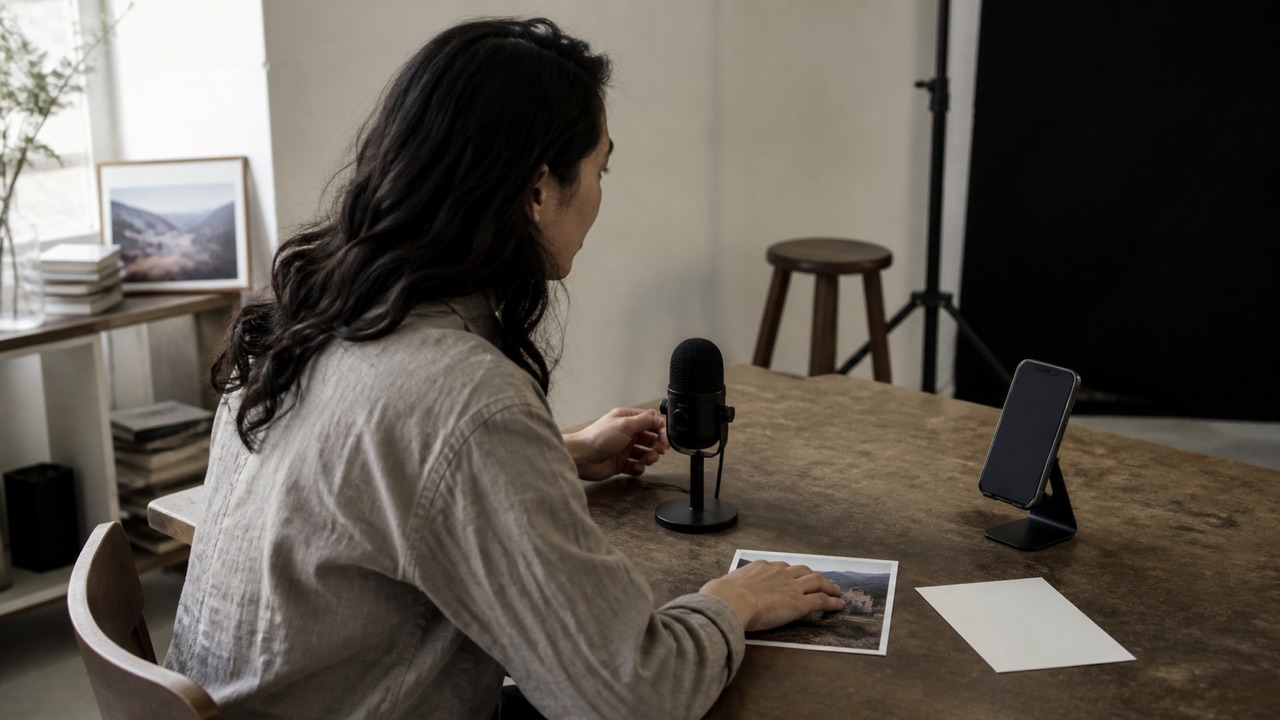 Translation TrendsThe Future of Voice, Image, and Text Multimodal TranslationMultimodal translation lets you change between typed text, speech, and images as a task changes. Useful future improvements would make those handoffs clearer while keeping the original available for checking.
 Travel CultureGreetings to Use Carefully Abroad: Match Place, Time, and RelationshipChoose a greeting for the language, time of day and relationship, then move to your actual request. Keep a neutral opening ready and follow the other person's level of formality.
 Travel LanguageHow to Handle Language Differences When Traveling InternationallyStop adding detail, identify the part you missed and switch to a short written question if needed. A map, booking, ticket or receipt gives both people a shared reference.
 Language PracticeHow to Have a Real Conversation in Spanish on iPhoneChoose a real topic, translate one short turn at a time and let the other person respond. Prepare a request for repetition and use text for names, times and places you need to confirm.
 Travel LanguageHotel Check-In Phrases for Travel: A Practical iPhone GuideAt check-in, identify your reservation, confirm the dates and ask your next question separately. Keep names, room numbers and charges in writing so staff can check them directly.
 Translation TrendsHow AI Translation Is Changing IndustriesAI translation can support a first reading, a draft, or a short everyday exchange in work and travel. The useful boundary is who checks terminology, obligations, and the final action.
 Choosing ToolsHow to Choose a Translation App for iPhoneChoose a translation app by the job you repeat most, then test the same text, voice, image, and conversation tasks before deciding.
 iPhone GuidesHow to Translate a PDF on iPhone with Screenshots or PhotosTranslate a PDF on iPhone by capturing readable page screenshots or photos and sending those images through a photo translation workflow. Translate Us is not presented as a direct PDF importer.
 MessagingHow to Translate Messages Across Apps Without Copy-PasteA translator keyboard can remove copy-paste for outgoing replies across iPhone apps. Incoming messages still depend on in-app translation, text selection, or a screenshot/photo path.
 Offline TravelOffline Translation for Travelers: How It Works and What to CheckFor offline travel, choose an app with documented language downloads and test each input without a network. Translate Us offline behavior has not been verified for this guide.
 Travel LanguagePhrases for a Good First Impression in Another LanguageUse a greeting, your name, your reason for being there and one easy question. Keep the introduction short enough for the other person to respond, and avoid assuming a shared level of familiarity.
 Travel LanguagePolite Travel Phrases to Know Before You GoPrepare polite wording for getting attention, making a request, asking for repetition, declining and thanking someone. A clear short sentence is easier to use than adding ‘please’ to a long, indirect request.
 Business CommunicationProfessional Small Talk and Meeting Introductions in Another LanguageProfessional small talk works better when you prepare a short introduction, neutral questions, follow-ups, and a polite exit for the setting you will enter.
 Travel LanguageQuestions to Ask While Shopping AbroadAsk about the exact item, size, final price, payment method and return conditions before buying. Keep the label and written policy with the translation rather than relying on a general promise.
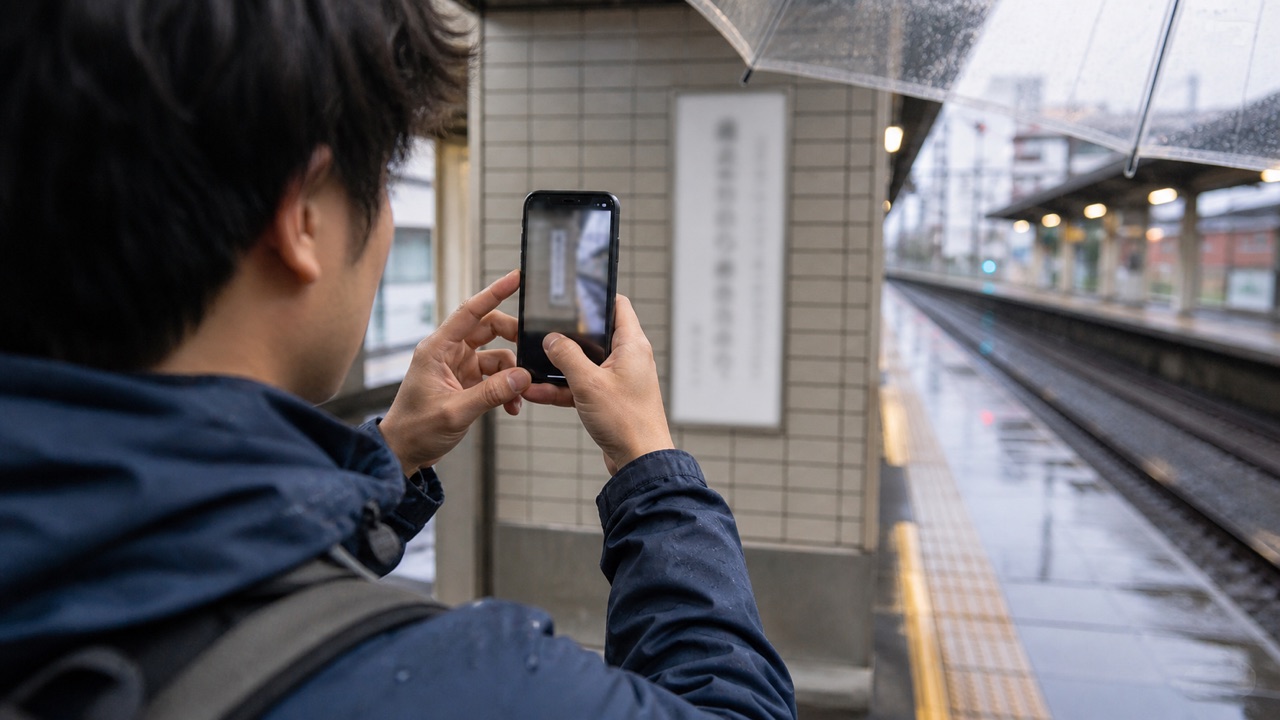 Japan TravelHow to Read Kanji with an iPhone CameraPhotograph the whole word or line, translate it as Japanese text and check it against the sign's arrows or heading. A single kanji definition may not give the meaning of the complete word or its pronunciation.
 iPhone GuidesReal-Time Translation on iPhone: Two-Person ConversationsFor a two-person conversation in Translate Us, connect your iPhone to the internet, choose both languages, and speak one short turn at a time. Let each translation finish, then confirm names, numbers, and instructions before acting.
 Travel LanguageRestaurant Travel Phrases: Ask, Order, and Confirm AbroadPrepare short phrases for a table, an order, an ingredient question, repetition and the bill. Translate one request at a time, point to the exact menu item, and confirm the reply before ordering.
 Spanish TranslationSpanish-to-English Voice Translator for Real-Time ConversationsFor Spanish-to-English voice translation on iPhone, use a two-way conversation workflow, speak in short turns, and confirm regional wording, names, times, and numbers.
 Travel LanguageHow to Speak More Naturally in Everyday Travel SituationsUse a short literal sentence with one clear request. Replace English idioms before translating, then prepare a repair phrase for the reply you may not understand.
 EducationHow Students Use Translation Tools to Cross Language BarriersStudents can use translation tools to preview instructions, inspect vocabulary, read visual material, practice speech, and ask clearer questions while keeping learning and academic rules in view.
 Business CommunicationTone in Business Translation: Keep Meaning, Register, and Intent AlignedBusiness translation needs more than correct words. Review register, directness, warmth, audience, and the action the message asks someone to take.
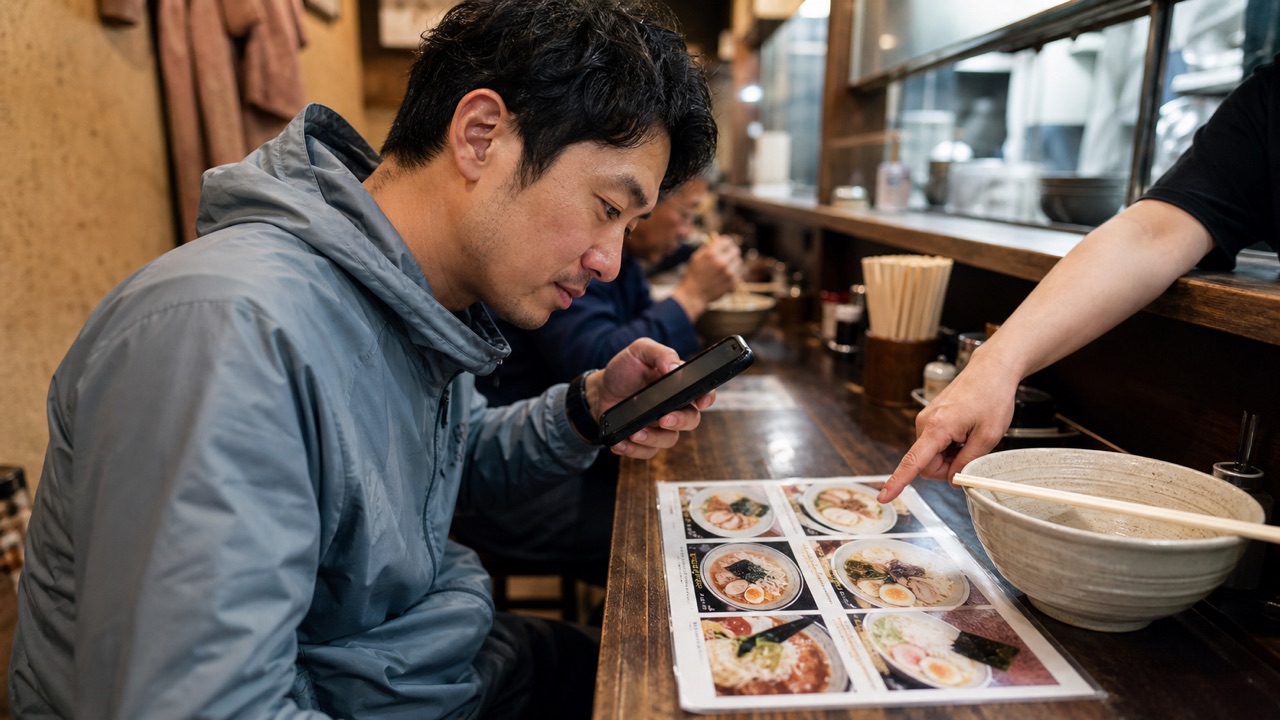 Japan TravelHow to Translate Japanese Menus on iPhoneSet Japanese as the source and English as the destination, capture a clear menu line with its price, then match the result to the original. Ask staff about ingredients, preparation and portion details that the printed name does not state.
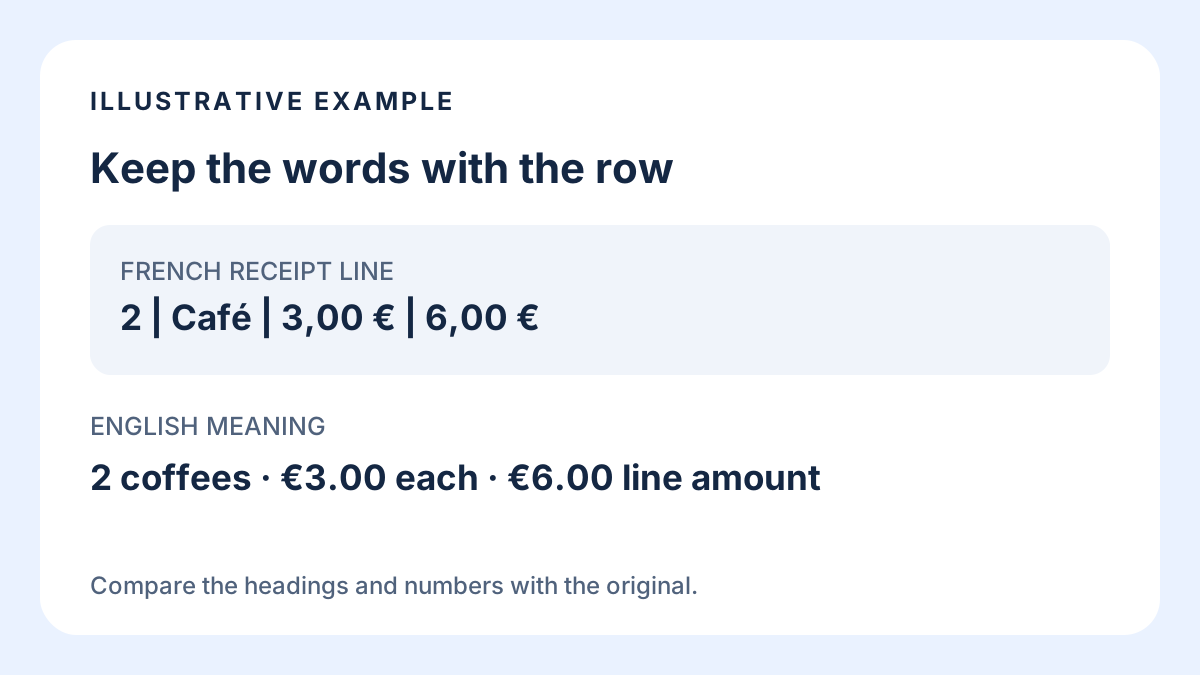 iPhone GuidesHow to Translate a Receipt on iPhone Without Mixing Up the ItemsTranslate one receipt item with its headings, then compare the quantity, unit price and line amount against the original. If a shortened name remains unclear, point to that exact line and ask the merchant to explain it.
 Travel LanguageHow to Translate Restaurant Menus While TravelingCapture one readable menu section, match the translated line to the original item and ask staff about missing details. A dish name can help you choose a question; it is not a full ingredient or allergy declaration.
 iPhone GuidesHow to Translate Text from Images on iPhone: Menus, Signs, and MoreUse an iPhone camera for live menu and sign text, or use a photo for a saved image. Better framing, lighting, language selection, and detail checks improve the result.
 Translate UsTranslate Us App: Everything to Know in 2026Translate Us is an iPhone translator for text, voice, photos, live camera, real-time conversations, a translator keyboard, an AI dictionary, and 200+ languages.
 Translate UsTranslate Us Review 2026: Listed Features, Fit, and LimitsThis transparent first-party Translate Us review covers verified iPhone features, practical fit, limitations, and questions to test. It is not an independent ranking or personal review.
 App ComparisonsTranslate Us vs DeepL on iPhone: Documented Features by Use CaseDeepL lists file translation and paid tone controls; Translate Us lists a translator keyboard and AI dictionary. Use those documented needs to shortlist, then test the exact language pair.
 App ComparisonsTranslate Us vs Google Translate on iPhone: Features and Test LimitsGoogle documents downloaded-language use; Translate Us lists a translator keyboard. Those facts can narrow an iPhone shortlist, but no controlled accuracy comparison is reported here.
 iPhone GuidesHow to Translate a Voice Message on iPhoneFor an iPhone voice message, translate a transcript if the source app provides one. Otherwise, try short audio from a second device near the translator’s microphone. Direct audio import and same-iPhone audio capture are not verified here.
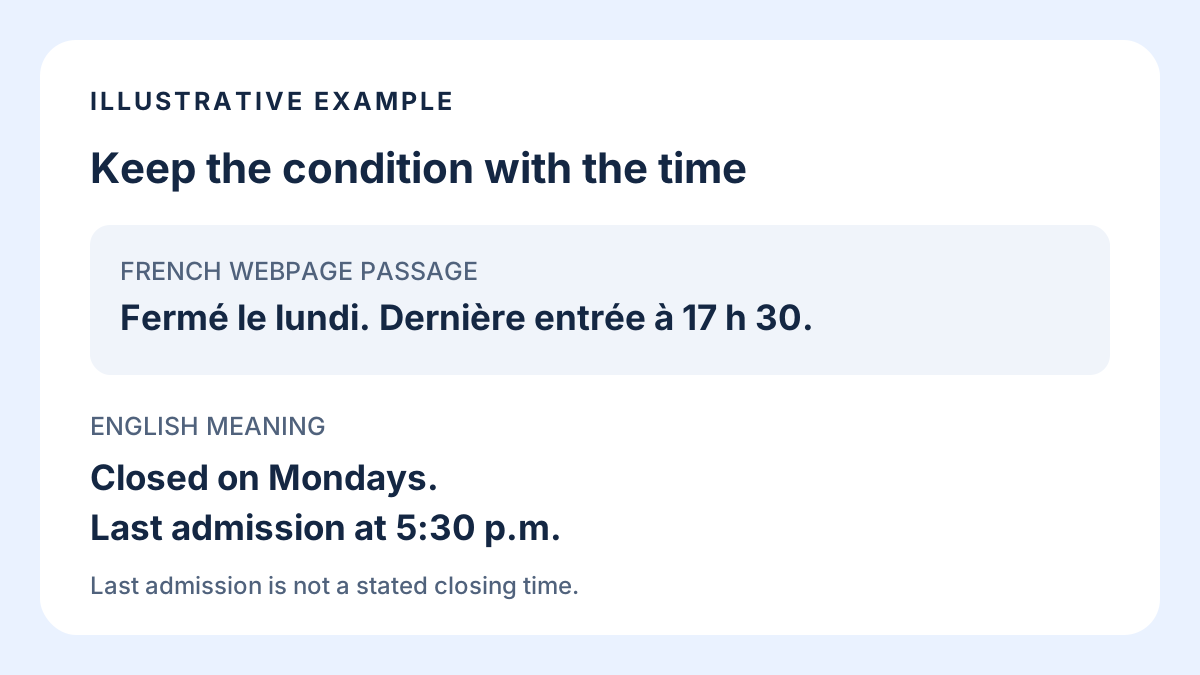 iPhone Text TranslationHow to Translate a Webpage on iPhone: Whole Page or One PassageUse Safari to read a supported webpage in place. Select a complete passage when you need to check one condition, instruction or time.
 MessagingHow to Translate WhatsApp Messages on iPhoneOn iPhone, translate a WhatsApp message with WhatsApp’s own Translate action when available, iPhone text selection, or a copy workflow. Use Translate Us keyboard to compose replies.
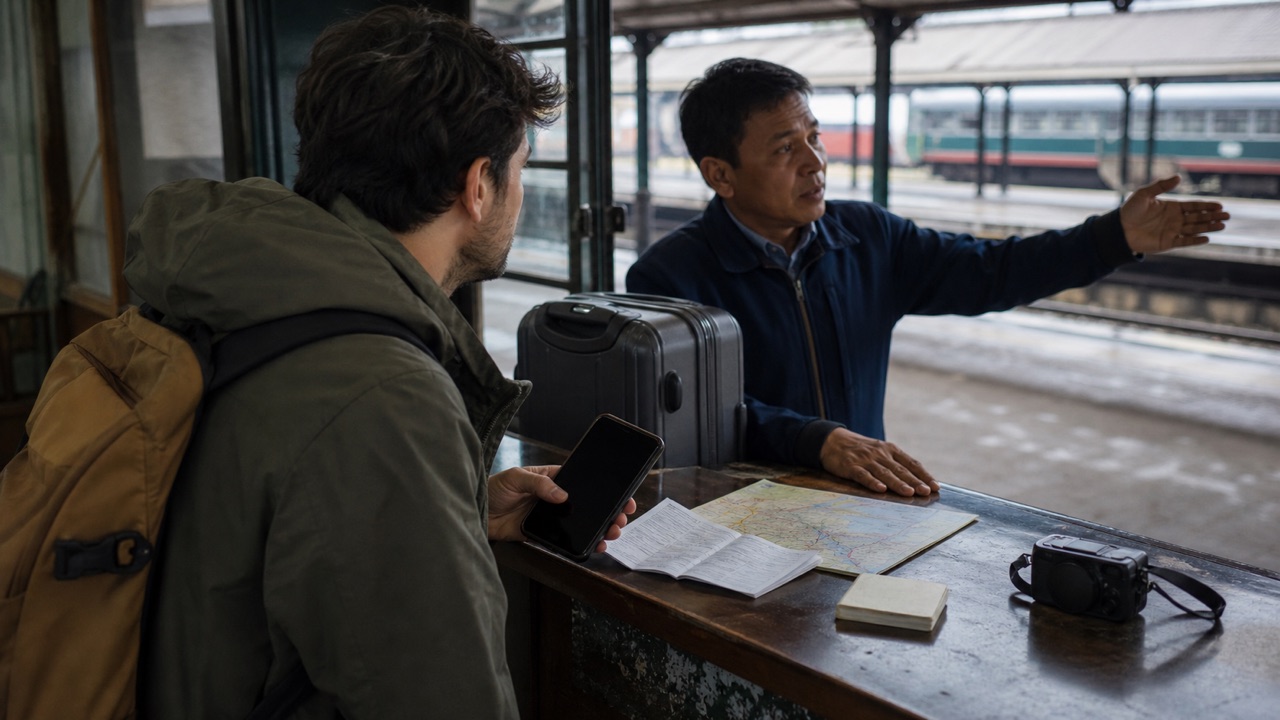 Travel LanguageHow to Travel Abroad Without Speaking the Local LanguagePrepare written trip details, a few essential requests and a way to ask for clarification. Translation can help with everyday exchanges, but keep official instructions and human help available for decisions you cannot safely guess.
 Japan TravelHow to Travel Japan Without Speaking JapaneseSave local-script addresses and booking details, learn a few visitor expressions and prepare a camera-to-staff-question workflow. You can plan everyday exchanges without claiming fluency, while official staff confirm the details that matter.
 Travel TranslationVoice Translation vs Text Translation for Travel: When to Use EachUse voice translation for short live turns and text translation for details you can inspect. Combine both when names, numbers, directions, or conditions matter.
 Translation BasicsWhat Is a Translation App and How Does It Work?A translation app turns typed words, speech, or text in an image into another language. The useful choice depends on the input you have and how much checking the result needs.
 App ComparisonsWhen a Google Translate Alternative May Fit on iPhoneA Google Translate alternative may fit when your workflow needs different language coverage, input modes, conversation handling, keyboard support, or dictionary context. Test the job before switching.
 Spanish TranslationWhy Spanish Voice Translation Makes ErrorsSpanish voice translation errors often begin with speech recognition, regional wording, ambiguity, overlapping speakers, or missing context. Short turns and text checks help.
 AccuracyWhy AI Translations Sound Robotic: 5 Wording FixesAI translations can sound robotic when they follow the source too literally or miss the context, formality, or meaning of an idiom. Start with clear wording, then check that the translation fits the reader without changing the message.
Sample phrases
Phrases to translate and check
Adapt bracketed details to your situation, language pair, and tone.
Translate this sentence into [target language]. Keep the tone natural and explain one phrase that may sound unusual.
Quick check
Before you translate
- Name the source and target languages.
- Choose voice, text, photo, or live camera for the moment.
- Use real-time conversation when both people need to follow along.
- Check an important phrase with the translator keyboard or AI dictionary.
FAQ
Frequently asked questions
What is Translate Us?
Translate Us is an iPhone translator for voice, text, photo, live camera, real-time conversations, translator keyboard, and AI dictionary across 200+ languages.
What can I use Translate Us for on iPhone?
Use Translate Us for spoken and typed translation, visible words in photos or live camera, two-person conversations, messages through the translator keyboard, and word checks with the AI dictionary.
Sources
Useful links
Take it with you
Try Translate Us on iPhone
Translate voice, text, photos, and live camera input across 200+ languages. Use real-time conversation, the translator keyboard, or AI dictionary when the moment changes.
Explore Translate Us