Translate Us Travel Language
Arabic for travelers before landing
Short answer: Prepare a short arrival request, hotel sentence and clarification line for the actual country you will visit. Keep Arabic script available to show, and have important local wording checked rather than assuming a general Arabic translation matches every spoken variety.
Prepare short Arabic arrival requests, keep exact details visible and have important local wording checked before relying on it.

Published by Clara Publisher
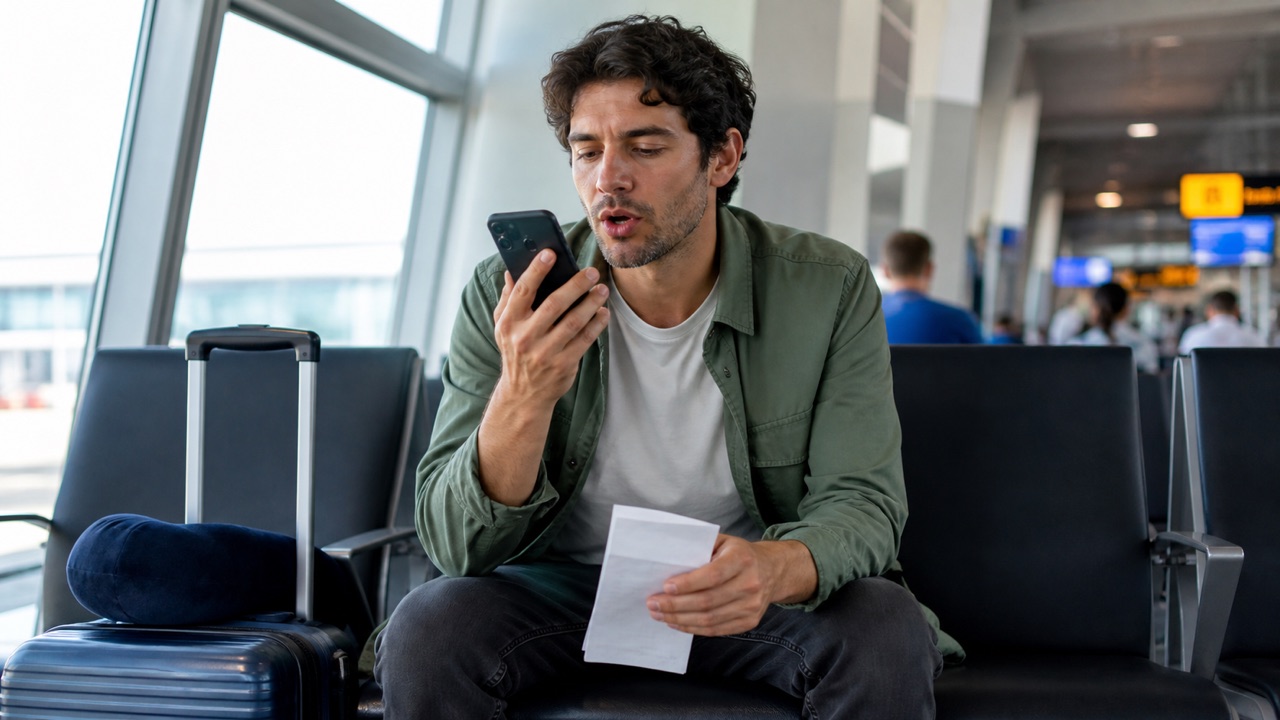
Begin with your destination, not a long list of words. Save the hotel's own Arabic address if available, plus your booking name and arrival time. These details help even when a spoken translation is difficult to follow.
Translate Us on iPhone advertises translation in 200+ languages. Test the actual source and destination pair and voice mode you intend to use; a language-count claim does not establish a country-specific dialect control.
Spanish → English · Illustrative workflow
A message you can read before sending
Translate the whole sentence first. Use the surrounding conversation to check the meaning.
-
Bring the original message
Spanish input
¿Te viene bien mañana a las dos?
-
Read the natural English wording
English translation
Does tomorrow at two work for you?
-
Confirm the detail, then reply
The original does not say a.m. or p.m. Confirm the time before copying the wording into your conversation.
Prepare four concrete requests
Keep each request separate. Show the address or booking alongside the text so the listener can recognize the destination and name.
- Please take me to this address: [address].
- I have a reservation under [name].
- Could you write the total price?
- I do not understand. Could you speak slowly?
Example
Illustrative standard Arabic: ‘Thank you’ → ‘شكراً’ (shukran). Useful action: use a short courtesy after receiving help, then show your next request if needed. This is an editorial language example, not a claim about every local spoken variety or a captured app output.
Keep script and exact details together
Translate one complete sentence and keep names, numbers and the provider's address visible in their original form. If you use a pronunciation aid, check it with a reliable speaker; Latin-letter spelling is not a full pronunciation guide.
Use voice for a short turn where the setting allows it. If the reply is unclear, ask the person to write the key word or show the destination. Do not respond as though you understood a guessed translation.
Check local wording with a person
A written Arabic translation may differ from the phrasing used in an everyday spoken exchange. Ask your host or another reliable local speaker to check a sentence that you expect to repeat.
No country-specific spoken-language performance has been tested for this guide. It does not promise that a selected language pair adapts to a dialect, register or cultural setting automatically.
Prepare before landing
Save essential messages outside the app and test the actual text, camera or voice mode while connected. Read the destination's official guidance separately for entry rules, emergency contacts and other consequential requirements.
Install Translate Us if you want to try its listed translation tools for your arrival card. Use local confirmation for a booking, fare or instruction, and get qualified help when an uncertain translation would carry serious consequences.
iPhone workflow
Use Translate Us for the moment in front of you
- Open Translate Us on iPhone and choose voice, text, photo, or live camera for the input you have.
- Set the source and target languages, then read or listen to the translation in context.
- Use real-time conversation when two people need to follow the exchange.
- Continue with the translator keyboard for messages or the AI dictionary for a word, meaning, or example.
Phrases to translate
Short messages to prepare
Choose your source and destination languages in Translate Us, then translate one message at a time. Replace bracketed details before using a phrase.
Please take me to this address: [address].I have a reservation under [name].Could you write the total price?I do not understand. Could you speak slowly?
Quick check
Before you translate
- Choose the actual country and city.
- Save the provider's Arabic address.
- Test your intended language pair and mode.
- Keep script, names and numbers visible.
- Have repeated local wording checked.
- Save essential messages outside the app.
FAQ
Frequently asked questions
Should I prepare the same Arabic card for every country?
Keep the core information, but have local spoken wording checked for the destination. This guide does not verify country-specific dialect support.
Should I rely on transliteration alone?
Keep Arabic script available to show and check pronunciation with a reliable speaker. Latin letters alone may not represent the sounds clearly.
Can Translate Us generate a country-specific language course?
That feature is not established by the official listing. This guide uses short translation requests and local confirmation.
Sources
Useful links
Take it with you
Try Translate Us on iPhone
Translate voice, text, photos, and live camera input across 200+ languages. Use real-time conversation, the translator keyboard, or AI dictionary when the moment changes.
Explore Translate Us