Translate Us Travel Language
Speak naturally in everyday travel situations
Short answer: Use a short literal sentence with one clear request. Replace English idioms before translating, then prepare a repair phrase for the reply you may not understand.
Use short source sentences, clear nouns, one request per turn and repair phrases for everyday travel translation.

Published by Clara Publisher
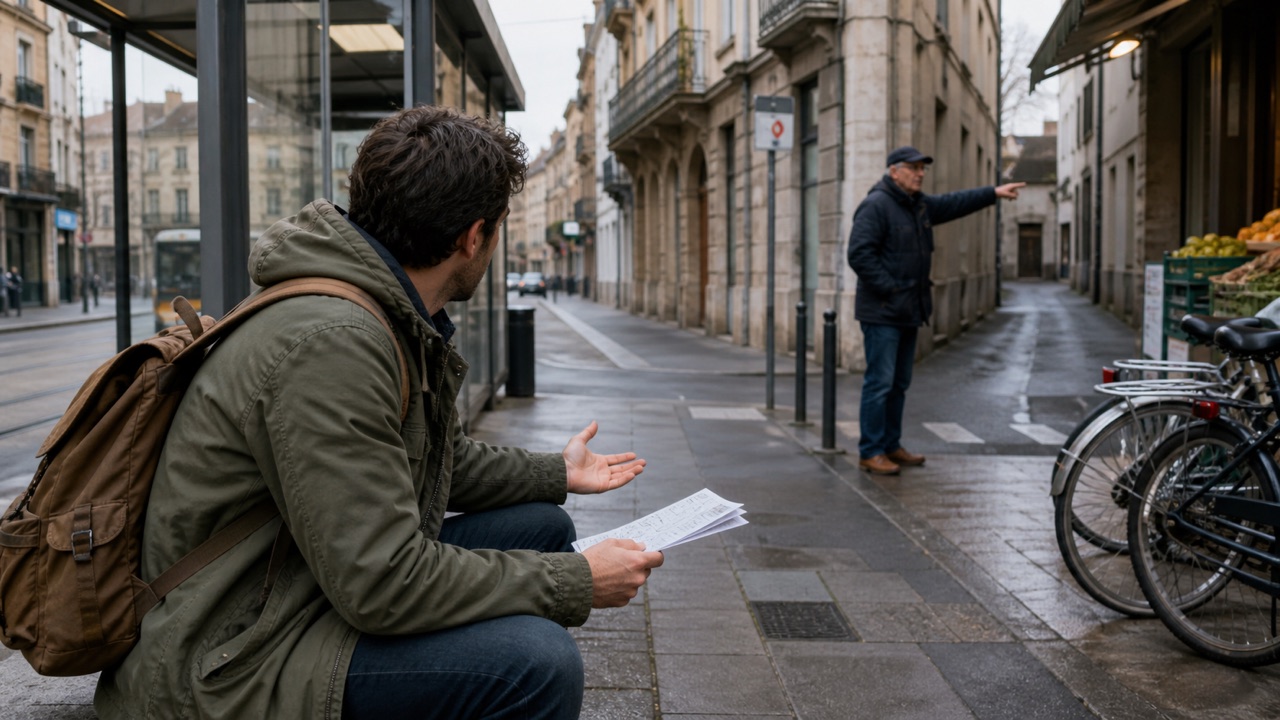
Natural travel wording starts with a clear source sentence. ‘Could you take a look at this?’ is easier to translate when you name the problem: ‘My ticket will not scan. Could you help me?’
Translate Us on iPhone supports text and voice translation for everyday conversations. It is a way to carry your message; it is not evidence that a phrase has the right local nuance or that you have practiced with a language tutor.
Spanish → English · Illustrative workflow
A message you can read before sending
Translate the whole sentence first. Use the surrounding conversation to check the meaning.
-
Bring the original message
Spanish input
¿Te viene bien mañana a las dos?
-
Read the natural English wording
English translation
Does tomorrow at two work for you?
-
Confirm the detail, then reply
The original does not say a.m. or p.m. Confirm the time before copying the wording into your conversation.
Three source sentences to simplify
Remove the idiom, keep the purpose and leave out details the listener does not need yet.
- Instead of ‘I'm running late,’ use ‘I will arrive at 8:30 p.m.’
- Instead of ‘Can you give me a hand?’ use ‘Could you help me carry this bag?’
- Instead of ‘I'm just looking around,’ use ‘I do not want to buy anything yet, thank you.’
Example
Illustrative input: ‘Could you speak more slowly, please?’ → Spanish: ‘¿Podría hablar más despacio, por favor?’ Useful action: pause and allow the other person to repeat. Editorial illustration, not a measured app result.
Keep each turn answerable
Ask one question, let the other person finish and check the reply before adding the next request. In a ticket office, confirm the destination before discussing a return journey or luggage.
If the result is confusing, shorten your original sentence. Adding several synonyms can make the source harder to follow. Point to a ticket or map so both people share the same reference.
Use writing for exact details
Use voice for an ordinary question when the setting is quiet. Type addresses, booking names, times and numbers when spelling matters. Use photo/camera translation for a sign instead of trying to pronounce unfamiliar text.
A dictionary can help with one word, but return to the whole sentence before acting. A word can have more than one meaning in a travel setting.
Prepare one request and one repair line
Translate a request you actually expect to use, then prepare ‘I do not understand’ and ‘Could you write it down?’ Keep those lines in a note that is easy to find.
Install Translate Us before your trip to try the same source sentence by text and voice. Judge whether you can understand and show the result; no app can guarantee that every exchange will sound natural.
iPhone workflow
Use Translate Us for the moment in front of you
- Open Translate Us on iPhone and choose voice, text, photo, or live camera for the input you have.
- Set the source and target languages, then read or listen to the translation in context.
- Use real-time conversation when two people need to follow the exchange.
- Continue with the translator keyboard for messages or the AI dictionary for a word, meaning, or example.
Phrases to translate
Short messages to prepare
Choose your source and destination languages in Translate Us, then translate one message at a time. Replace bracketed details before using a phrase.
My ticket will not scan. Could you help me?I will arrive at [time].Could you speak more slowly, please?Could you write the address down, please?
Quick check
Before you translate
- Remove English idioms.
- Name the object or problem.
- Ask one question per turn.
- Type names, times and amounts.
- Keep a repair sentence ready.
FAQ
Frequently asked questions
How can I make a travel translation clearer?
Use one short sentence, name the object and remove idioms. Check numbers and names before sharing the result.
Can Translate Us act as a speaking tutor?
The official listing confirms translation modes, not a tutor or role-play course. Use it to translate requests and actual conversation turns.
What should I do when a reply is too fast?
Ask the person to slow down, repeat or write the key detail. Give them time to respond before you speak again.
Sources
Useful links
Take it with you
Try Translate Us on iPhone
Translate voice, text, photos, and live camera input across 200+ languages. Use real-time conversation, the translator keyboard, or AI dictionary when the moment changes.
Explore Translate Us