Translate Us Travel Language
How to translate restaurant menus while traveling
Short answer: Capture one readable menu section, match the translated line to the original item and ask staff about missing details. A dish name can help you choose a question; it is not a full ingredient or allergy declaration.
Read a clear menu section, match the translated item to the original and ask staff about ingredients, portions and preparation.

Published by Clara Publisher

Start with the section you might order from. Include its heading, dish line and price, and keep the original menu available while you read the translation.
Translate Us lists photo/camera, text and voice translation. Use the camera to read the menu and a separate short text or voice question for staff; do not treat the app as a source of facts the menu does not contain.
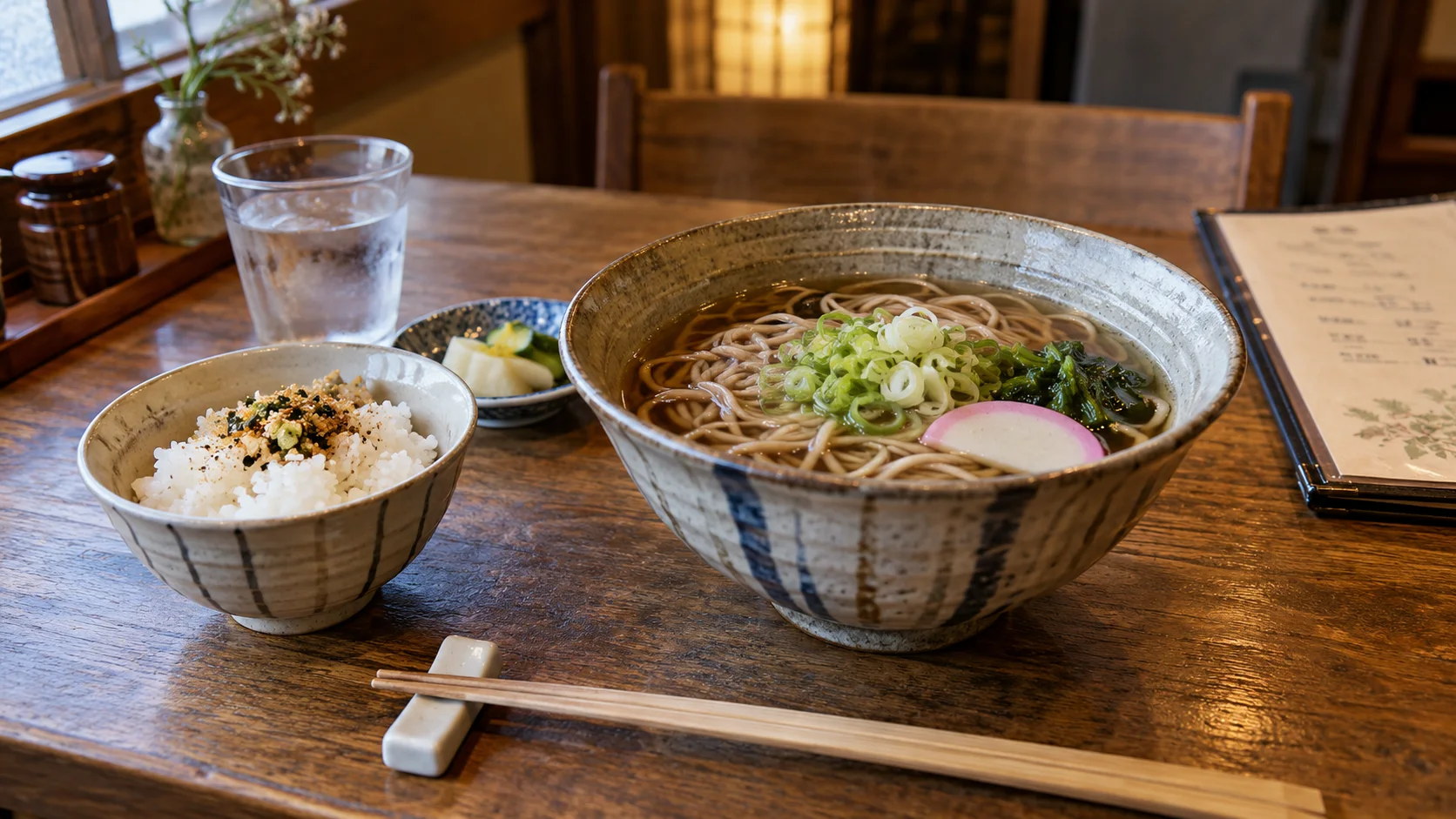
Japanese → English · Illustrative workflow
From a menu phrase to a useful question
Keep the original words visible so you can compare the translation with the menu.
-
Read the menu
Japanese input
そば
-
Check the translation
English translation
Soba noodles
-
Ask the next question
Knowing the dish name helps you order. Ask restaurant staff about ingredients or allergies before choosing.
Get the line and its context
Hold the phone steady, avoid glare and include the heading. Retake a blurred photo before trying to interpret a strange output. On a multi-column menu, a price may belong to the neighboring dish.
Keep sizes, units and symbols with the item. A translated word without its heading may lose whether the item is a starter, main dish or set meal.
Ask for the missing fact
Point to the exact line, then ask one question about the ingredient, portion or preparation you need to know. If the staff reply is unclear, ask them to write the key word.
For an allergy, ask about both ingredients and cross-contact and use an accurately prepared allergy card. The FDA's allergen guidance describes cross-contact; a translated menu cannot rule it out.
Confirm the item and quantity
Show the original name when ordering and confirm how many portions you want. Before paying, compare the bill to the items and quantities you ordered; ask staff to explain an unfamiliar line.
Install Translate Us before the meal to try a menu photo and a short follow-up request. Preserve the original text whenever the translation is uncertain.
iPhone workflow
Use Translate Us for the moment in front of you
- Open Translate Us on iPhone and choose voice, text, photo, or live camera for the input you have.
- Set the source and target languages, then read or listen to the translation in context.
- Use real-time conversation when two people need to follow the exchange.
- Continue with the translator keyboard for messages or the AI dictionary for a word, meaning, or example.
Phrases to translate
Short messages to prepare
Choose your source and destination languages in Translate Us, then translate one message at a time. Replace bracketed details before using a phrase.
What ingredients are in this dish?What stock is used in the soup?Is this price for one portion?I would like one portion of this dish, please.
Quick check
Before you translate
- Include heading, line and price.
- Retake blurred or reflective photos.
- Match the result to the original item.
- Ask staff for missing ingredients.
- Confirm quantity before ordering.
FAQ
Frequently asked questions
Can I order from a camera translation alone?
Use it to identify an item, then ask staff about details you need. Keep the original dish name available when ordering.
Why might a menu name be incomplete?
A short name may omit stock, sauces, garnishes or preparation details. Ask the restaurant about its actual dish.
Can an app identify all allergens from a menu?
No. A menu may omit ingredients and does not establish cross-contact conditions. Confirm with staff.
Sources
Useful links
Take it with you
Try Translate Us on iPhone
Translate voice, text, photos, and live camera input across 200+ languages. Use real-time conversation, the translator keyboard, or AI dictionary when the moment changes.
Explore Translate Us