Translate Us Travel Language
Restaurant travel phrases for ordering abroad
Short answer: Prepare short phrases for a table, an order, an ingredient question, repetition and the bill. Translate one request at a time, point to the exact menu item, and confirm the reply before ordering.
Prepare five restaurant requests, translate one at a time and confirm the exact dish, quantity and bill with staff.

Published by Clara Publisher
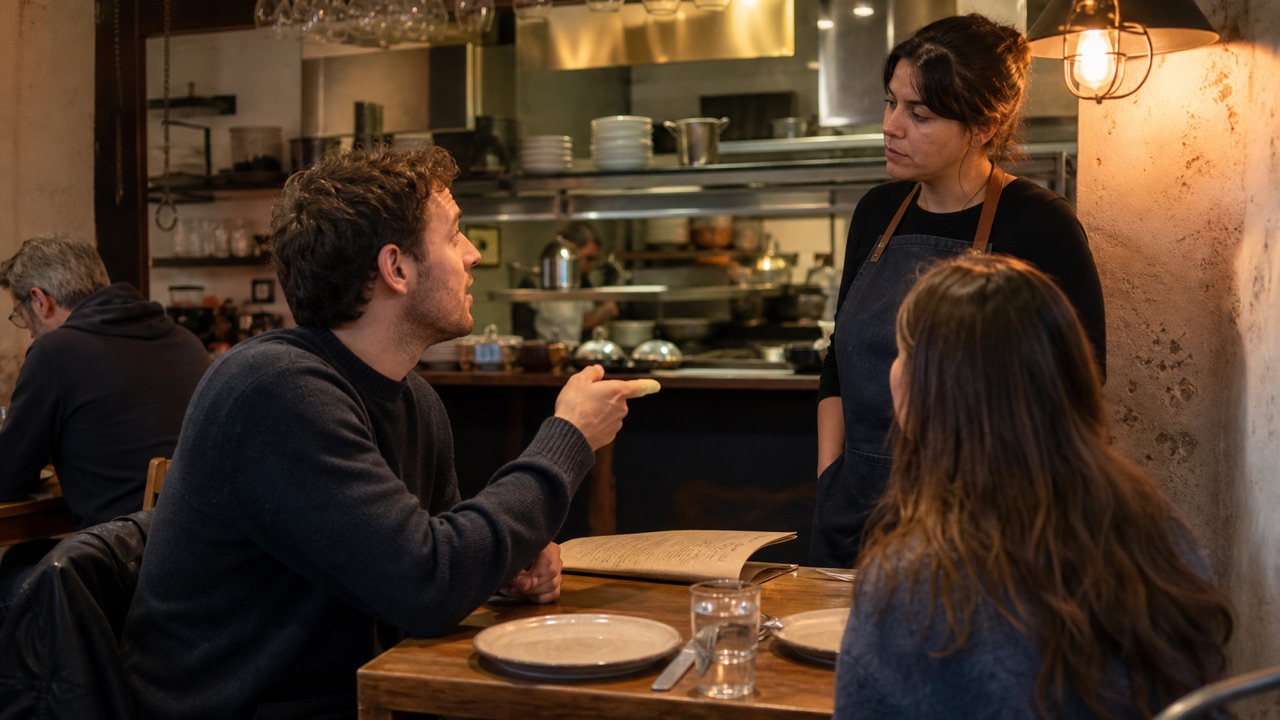
Start with five restaurant jobs: get seated, choose a dish, ask one question, check the answer and pay. A small card you can read is more useful at a busy table than a long script.
Translate Us lists text, voice and photo/camera translation. Use text to prepare a request, camera translation for the printed menu and voice for a short exchange. A translated dish name does not reveal every ingredient.
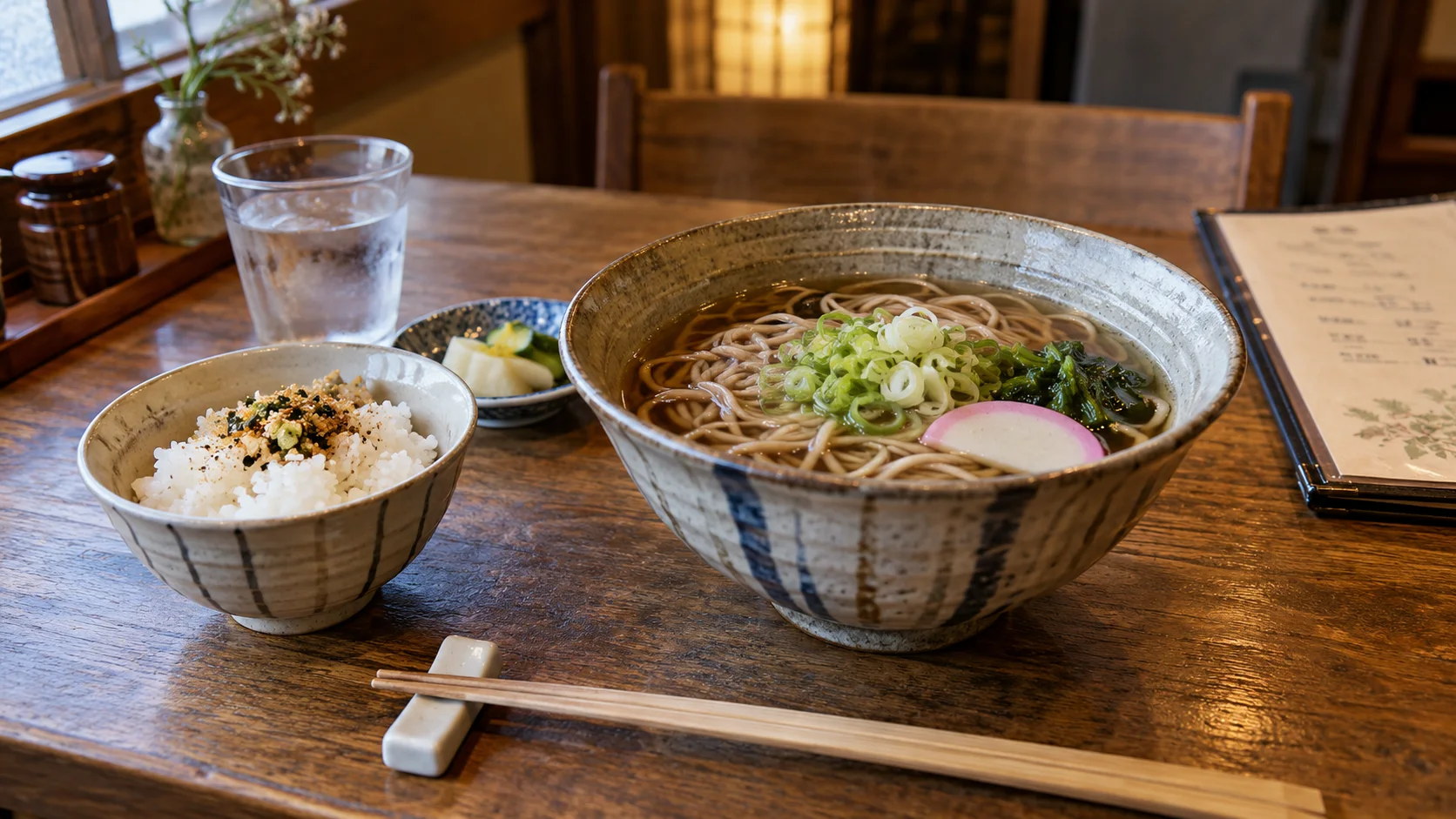
Japanese → English · Illustrative workflow
From a menu phrase to a useful question
Keep the original words visible so you can compare the translation with the menu.
-
Read the menu
Japanese input
そば
-
Check the translation
English translation
Soba noodles
-
Ask the next question
Knowing the dish name helps you order. Ask restaurant staff about ingredients or allergies before choosing.
Five phrases you can adapt
Keep the requests separate so staff can answer each one. Replace the dish or ingredient name rather than combining several questions in one sentence.
- A table for two, please.
- I would like this dish, please.
- Does this dish contain [ingredient]?
- Could you repeat that more slowly, please?
- Could we have the bill, please?
Example
Illustrative French phrase: ‘Could we have the bill, please?’ → ‘L’addition, s’il vous plaît.’ Useful action: show the sentence to your server, then check the items and total on the bill. This is an editorial example, not a captured app output.
Move from the menu to a staff question
Choose English and the destination language, then enter one complete sentence. Check names and quantities in the original before showing the translation.
For a menu photo, frame the dish line with its price and heading. If the output is unclear, retake the image or point to the original item while asking staff. Use written text in a noisy room so both people can see the same request.
A menu name is not an ingredient list
Ask specifically about the ingredient you need to avoid and about preparation. An abbreviated menu can omit sauces, stock and other components. The FDA explains allergen cross-contact; its guidance does not make a foreign menu complete or a translation safe.
For an allergy, use an accurately prepared allergy card and ask staff to confirm ingredients and cross-contact practices. If they cannot confirm, the translated question has not resolved the risk.
Prepare the exchange before sitting down
Keep your five requests in a note you can find quickly. Translate them while connected and check that you can show the result. Do not assume an app will work without internet at the restaurant.
For Japanese menus, use the linked menu guide for a worked example. Install Translate Us before the meal if you want to try the listed text, voice and camera modes on your own menu.
iPhone workflow
Use Translate Us for the moment in front of you
- Open Translate Us on iPhone and choose voice, text, photo, or live camera for the input you have.
- Set the source and target languages, then read or listen to the translation in context.
- Use real-time conversation when two people need to follow the exchange.
- Continue with the translator keyboard for messages or the AI dictionary for a word, meaning, or example.
Phrases to translate
Short messages to prepare
Choose your source and destination languages in Translate Us, then translate one message at a time. Replace bracketed details before using a phrase.
A table for [number] people, please.Does this dish contain [ingredient]?Could you show me the item on the menu?Could we have the bill, please?
Quick check
Before you translate
- Prepare five separate requests.
- Keep the original dish name and price.
- Ask one ingredient question at a time.
- Keep an allergy card separate from ordinary preferences.
- Confirm the bill before paying.
FAQ
Frequently asked questions
What restaurant phrases should I learn first?
Start with a table request, an order, a question about a dish, a request for repetition and a request for the bill.
Can a translated menu confirm allergy safety?
No. Ask staff about ingredients and cross-contact; a menu translation is not a safety guarantee.
Should I use voice or text in a busy restaurant?
Use voice when both people can hear clearly. Show a short written sentence when noise, names or quantities make speech difficult.
Sources
Useful links
Take it with you
Try Translate Us on iPhone
Translate voice, text, photos, and live camera input across 200+ languages. Use real-time conversation, the translator keyboard, or AI dictionary when the moment changes.
Explore Translate Us