Translate Us Workplace Translation
How to translate training and workplace content safely
Short answer: Use translation tools for access and first drafts, then use bilingual subject-matter and professional review before training, policy, contract, or safety content becomes official.
Translate workplace training on iPhone with a concrete draft, terminology review, employee comprehension check, and a named owner for final approval.

Published by Clara Publisher
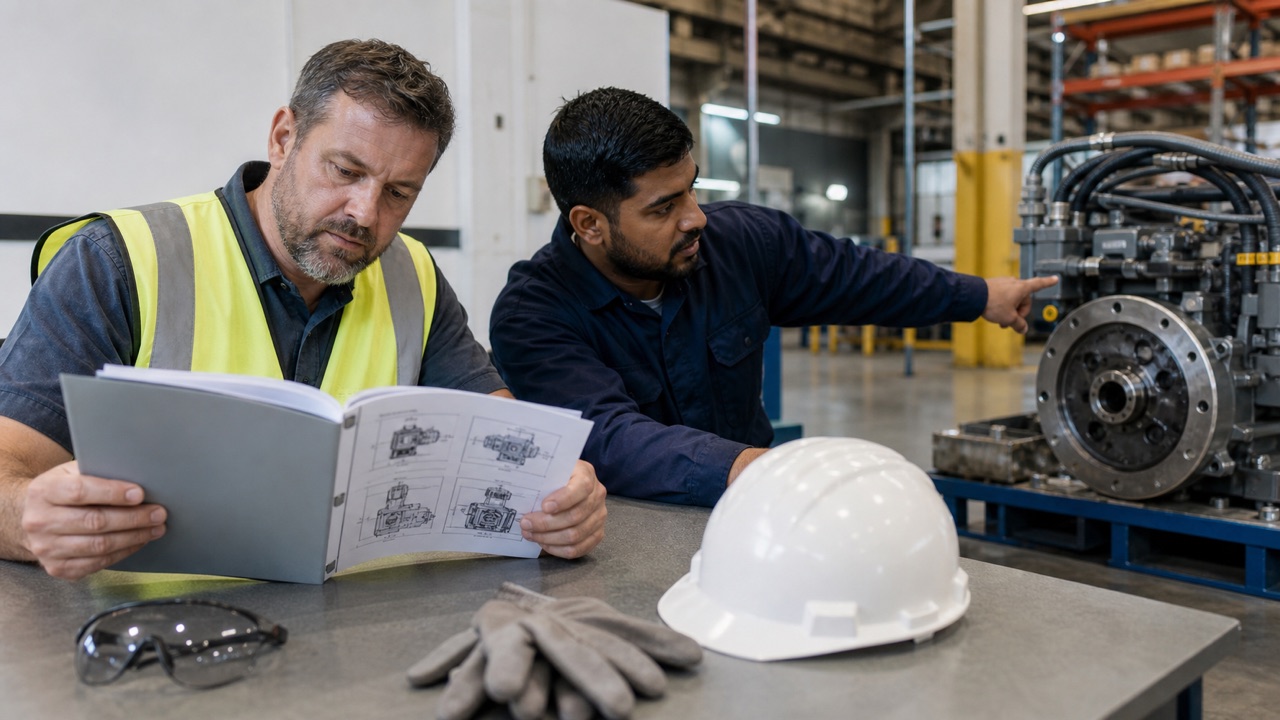
The safe way to translate training and workplace content is a staged workflow: classify the risk, clean the source, create a draft, review terminology and obligations, test employee understanding, and approve a version for use. A translation app can help someone understand a short passage or prepare a draft, but it should not become the final authority for a contract, policy, safety instruction, or regulated document.
Translate Us text or photo translation can help an iPhone user inspect a short workplace excerpt. The App Store listing was checked on 15 October 2026. Keep approval, terminology lists, and version control in the workplace process; they are not established app features.
Spanish → English · Illustrative workflow
A message you can read before sending
Translate the whole sentence first. Use the surrounding conversation to check the meaning.
-
Bring the original message
Spanish input
¿Te viene bien mañana a las dos?
-
Read the natural English wording
English translation
Does tomorrow at two work for you?
-
Confirm the detail, then reply
The original does not say a.m. or p.m. Confirm the time before copying the wording into your conversation.
Classify the content before translating it
Not every workplace paragraph needs the same control. A short explanation of a lunch schedule is different from a lockout procedure, employment policy, customer contract, or emergency instruction. Decide who owns the final wording and what evidence they need before anyone starts translating.
Use a simple risk label. Routine internal information can use a lighter review. Training that affects work quality needs a bilingual subject-matter check. Safety, legal, medical, employment, financial, and emergency material needs responsible professional or official review.
- Routine: schedules, introductions, non-sensitive team updates.
- Operational: onboarding, equipment instructions, standard operating steps.
- High consequence: safety, legal, medical, employment, financial, or emergency content.
- Official: contracts, filings, customer commitments, policies, or jurisdiction-specific language.
Prepare the source and terminology
A clean source lowers translation risk before any tool is involved. Use one action per sentence, explain acronyms, define who acts, and separate warnings from background. Create a short glossary for repeated equipment, role, product, and process terms.
Mark terms that must stay consistent. A workplace guide should not translate the same control, protective item, job title, or deadline three different ways. Keep the source version, glossary, language pair, and revision date with the draft.
- Remove duplicate instructions and unclear pronouns.
- Mark names, numbers, dates, units, product codes, and deadlines.
- Create a bilingual glossary for repeated terms.
- Label the document owner, audience, language, and version.
- Choose text or a clear image excerpt for the first draft when the source is not selectable.
Example
- Routine English source
- Open the Training folder. Read the checklist. Then ask your supervisor which module comes next.
- Illustrative French
- Ouvrez le dossier Formation. Lisez la liste de contrôle. Demandez ensuite à votre responsable quel module suivre.
- Owner check
- If Training is the actual folder label, keep that label unchanged in both languages. A reviewer should confirm the folder, sequence, and responsible role before distribution.
Review with bilingual and subject-matter owners
A fluent reader checks whether the target language sounds natural. A subject-matter expert checks whether the instruction is operationally correct. Those are different jobs, and one person may not be able to do both. For a contract or jurisdiction-specific document, add the appropriate professional reviewer.
Compare the final wording to the source line by line. Confirm names, dates, numbers, obligations, defined terms, warnings, conditions, and escalation routes. If a reviewer cannot explain the translated instruction back in their own words, stop distribution and clarify the source.
For example, the reviewer asks an employee to point to the Training folder and explain the next step. If the employee opens a different folder or starts the wrong module, correct the wording before sharing the guide more widely. This is a suggested comprehension check, not a reported workplace test.
- Bilingual review: natural language, register, and local terminology.
- Subject-matter review: process, equipment, roles, and consequences.
- Professional review: legal, medical, employment, financial, or jurisdiction-specific meaning.
- Owner approval: version, distribution group, and effective date.
- Comprehension check: employee can explain the action, condition, and escalation path.
Deliver training as a maintained workflow
Translation is not finished when a file is created. Give employees a way to ask questions in their preferred language, record which version they saw, and report a confusing term. Update translations when the source changes, and retire old versions so two instructions do not circulate at once.
On iPhone, Translate Us can help a manager or employee inspect a short text or photo excerpt, translate a spoken clarification, or compose a message with the keyboard. Keep the approved workplace source and review process outside the app, with a named owner responsible for the final content.
iPhone workflow
Use Translate Us for the moment in front of you
- Open Translate Us on iPhone and choose voice, text, photo, or live camera for the input you have.
- Set the source and target languages, then read or listen to the translation in context.
- Use real-time conversation when two people need to follow the exchange.
- Continue with the translator keyboard for messages or the AI dictionary for a word, meaning, or example.
Example phrases
Finished examples to adapt
Use the source sentence as translation input and the intended meaning as a check. These editorial examples illustrate wording; they are not captured Translate Us outputs.
Routine instruction: Please read the checklist before the training session.
Illustrative French: Veuillez lire la liste de contrôle avant la séance de formation.
Ask for help: I do not understand step three. Could you show me? Illustrative French: Je ne comprends pas la troisième étape. Pourriez-vous me montrer ?Check a label: Is Training the name of the folder I should open? Illustrative French: Training est-il le nom du dossier que je dois ouvrir ?Confirm the next step: Which module should I complete next? Illustrative French: Quel module dois-je suivre ensuite ?
Quick check
Before you translate
- Classify each item as routine, operational, high consequence, or official.
- Clean the source and create a terminology list before translating.
- Preserve names, dates, numbers, units, obligations, defined terms, and warnings.
- Assign bilingual, subject-matter, and professional reviewers as needed.
- Run a comprehension check with intended employees.
- Track version, owner, language, effective date, and retired copies.
FAQ
Frequently asked questions
Can AI translate training guides for international employees?
It can help create a first draft or give an employee access to a short passage. The approved guide still needs bilingual and subject-matter review, with professional review for legal, medical, employment, financial, safety, or jurisdiction-specific content.
Can I trust an AI translation for a workplace safety instruction?
Do not treat fluent output as proof of safety. Preserve every warning and condition, involve a qualified reviewer, and confirm that employees understand the action and escalation path before distribution.
How should business documents be checked after translation?
Compare the source and translation for names, dates, numbers, units, obligations, defined terms, conditions, jurisdiction-specific language, and tone. A responsible human or professional reviewer should approve the final wording.
How can Translate Us help with workplace content?
Use its text or photo translation to inspect a short excerpt, or voice translation for a short clarification. Keep the approved training document, glossary, comprehension checks, and responsible reviewers in your workplace process.
Sources
Useful links
Take it with you
Try Translate Us on iPhone
Translate voice, text, photos, and live camera input across 200+ languages. Use real-time conversation, the translator keyboard, or AI dictionary when the moment changes.
Explore Translate Us