Translate Us Travel Language
How to handle language differences when traveling internationally
Short answer: Stop adding detail, identify the part you missed and switch to a short written question if needed. A map, booking, ticket or receipt gives both people a shared reference.
Use short questions and shared documents to repair travel misunderstandings and confirm the next action.

Published by Clara Publisher
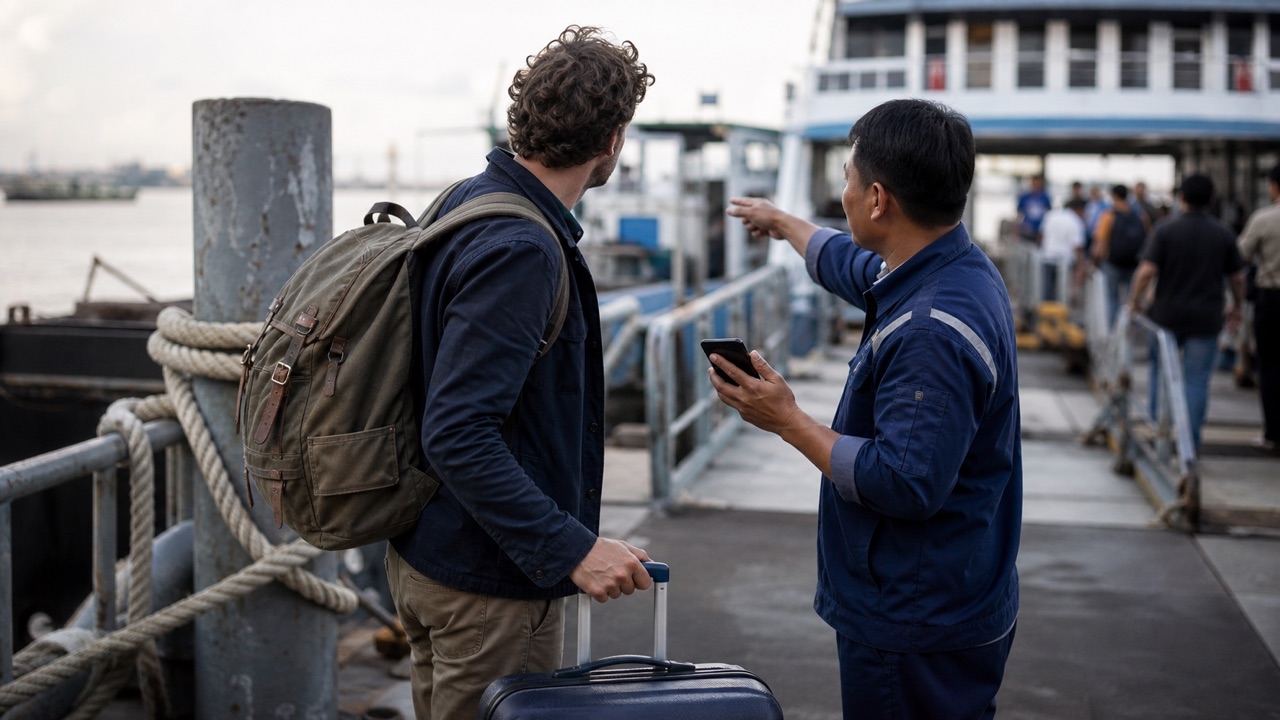
A language difference is often easier to handle when you reduce the task. First confirm the destination or item, then the time or price, and finally the next action.
Translate Us on iPhone lists text, voice, photo/camera and keyboard translation. Choose the mode for the immediate input rather than trying to run an entire conversation from one long prepared script.
Spanish → English · Illustrative workflow
A message you can read before sending
Translate the whole sentence first. Use the surrounding conversation to check the meaning.
-
Bring the original message
Spanish input
¿Te viene bien mañana a las dos?
-
Read the natural English wording
English translation
Does tomorrow at two work for you?
-
Confirm the detail, then reply
The original does not say a.m. or p.m. Confirm the time before copying the wording into your conversation.
Use a three-step repair loop
First, say that you did not understand. Second, ask about one specific detail. Third, confirm it in writing or by pointing to the original information.
- I do not understand. Could you repeat that?
- Did you say [time/number/name]?
- Could you show me on the map?
Example
Illustrative Spanish exchange: ‘Is the departure at 18:30?’ → ‘¿La salida es a las 18:30?’ Useful action: compare 18:30 with the operator's current departure board. Editorial illustration, not a verified timetable or app output.
Choose the input that removes the obstacle
Use text for a name, amount or address. Use voice for a short turn when both speakers can hear. Use photo/camera translation for a printed line you cannot read.
When a message arrives inside another app, a translator keyboard can help you write the reply. Check the translated text before sending, particularly the time, negative words and quantity.
Build a small backup kit
Save the address, booking and a few repair sentences before leaving. Keep readable copies outside the app for a flat battery or lost connection.
Install Translate Us and try one real travel request before departure. Test how to move from a written item to a staff question while you have time to learn the controls.
iPhone workflow
Use Translate Us for the moment in front of you
- Open Translate Us on iPhone and choose voice, text, photo, or live camera for the input you have.
- Set the source and target languages, then read or listen to the translation in context.
- Use real-time conversation when two people need to follow the exchange.
- Continue with the translator keyboard for messages or the AI dictionary for a word, meaning, or example.
Phrases to translate
Short messages to prepare
Choose your source and destination languages in Translate Us, then translate one message at a time. Replace bracketed details before using a phrase.
I do not understand. Could you repeat that?Did you say [time]?Could you show me on the map?Could you write the total amount?
Quick check
Before you translate
- Shorten the request.
- Ask about one missed detail.
- Keep the original document visible.
- Check names, numbers and negatives.
- Ask responsible staff before acting on an unclear instruction.
FAQ
Frequently asked questions
What should I do when translation does not resolve the problem?
Shorten the message, use a shared object such as a map or ticket, and ask the person to confirm one detail at a time.
Should I use voice for every conversation?
Use the mode that fits the input. Text is helpful for exact details, and camera translation can help with printed words.
Can I assume a confident result is correct?
No. Check the original and confirm important details with the person or authority responsible.
Sources
Useful links
Take it with you
Try Translate Us on iPhone
Translate voice, text, photos, and live camera input across 200+ languages. Use real-time conversation, the translator keyboard, or AI dictionary when the moment changes.
Explore Translate Us