Translate Us Japan Travel
How to translate Japanese menus on iPhone
Short answer: Set Japanese as the source and English as the destination, capture a clear menu line with its price, then match the result to the original. Ask staff about ingredients, preparation and portion details that the printed name does not state.
Use clear menu photos and Japanese examples to identify a dish, then confirm its actual contents, price and charges with staff.

Published by Clara Publisher
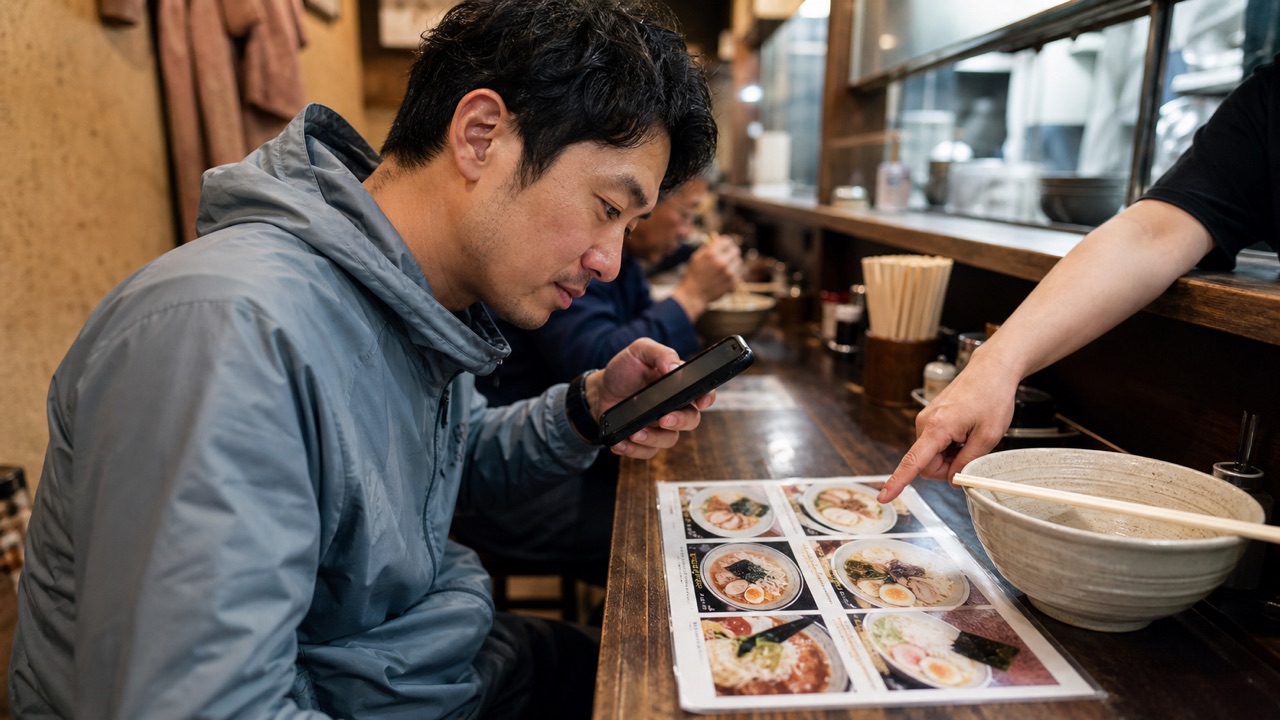
For a Japanese menu, start with one section rather than the entire page. Keep vertical columns, headings and prices together so you can identify which dish the translated line refers to.
Translate Us lists photo/camera translation and an AI dictionary. Use them for visible text and unfamiliar words, then ask the restaurant about its actual recipe. No camera result here has been tested on a real menu.
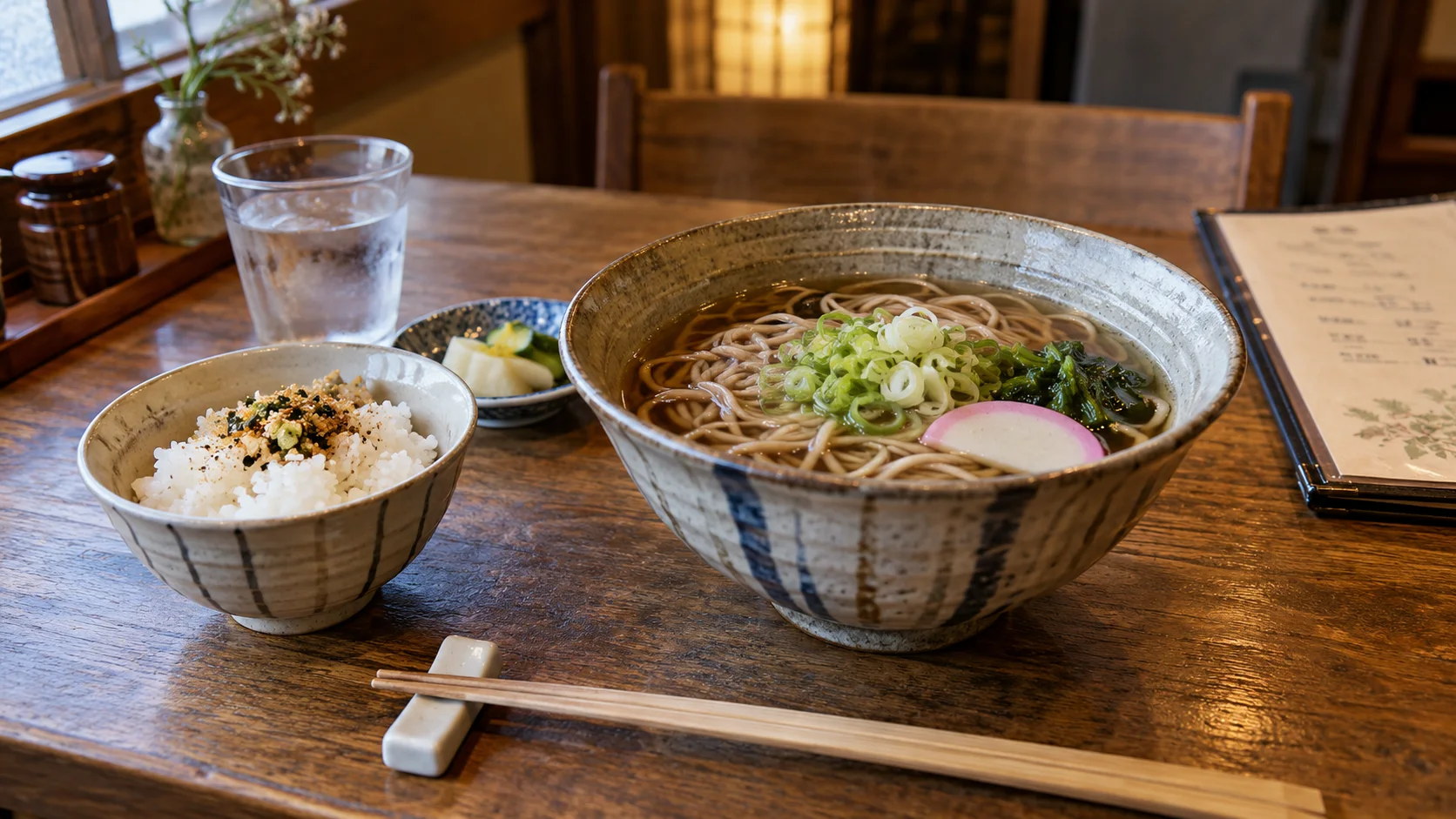
Japanese → English · Illustrative workflow
From a menu phrase to a useful question
Keep the original words visible so you can compare the translation with the menu.
-
Read the menu
Japanese input
そば
-
Check the translation
English translation
Soba noodles
-
Ask the next question
Knowing the dish name helps you order. Ask restaurant staff about ingredients or allergies before choosing.
Keep columns, headings and prices together
Photograph the dish line straight on with enough space to include its price and heading. For vertical writing, keep the full column. Retake glare, tiny print or handwriting rather than trusting a strange-looking result.
Compare recognizable numbers and repeated characters in the result with the original. If a price is attached to the wrong item, show staff the original line instead of ordering from the English alone.
Translate a question for staff
Ask ‘What is included in this set meal?’ or ‘Which fish is used?’ as separate questions. Keep the dish name visible so staff know which item you mean.
For an allergy or dietary restriction, ask about the actual recipe and cross-contact. ‘Miso soup’ or ‘grilled fish’ is a name, not a complete ingredient list. If the answer is unclear, the app has not established that the dish meets your need.
Check unfamiliar charges before ordering
JNTO notes that some Japanese restaurants have table charges, including the appetizer often served at izakaya. If a translated menu shows a charge you do not understand, ask staff what it covers before ordering.
Install Translate Us before your Japan trip to try a clear sample menu and a short staff question. Keep the original Japanese and a written backup of any essential dietary request.
iPhone workflow
Use Translate Us for the moment in front of you
- Open Translate Us on iPhone and choose voice, text, photo, or live camera for the input you have.
- Set the source and target languages, then read or listen to the translation in context.
- Use real-time conversation when two people need to follow the exchange.
- Continue with the translator keyboard for messages or the AI dictionary for a word, meaning, or example.
Phrases to translate
Short messages to prepare
Choose your source and destination languages in Translate Us, then translate one message at a time. Replace bracketed details before using a phrase.
What is included in this set meal?Which fish is used in this dish?Does this price include the table charge?Could you show me the item on the menu?
Quick check
Before you translate
- Choose Japanese to English.
- Capture the full line or vertical column.
- Keep prices with the correct item.
- Ask about the recipe rather than inferring it.
- Confirm table charges with staff.
- Keep a checked allergy card if needed.
FAQ
Frequently asked questions
What is the first step for a Japanese menu on iPhone?
Choose Japanese and English, then photograph one clear section with headings and prices. Match the translation to the original before ordering.
Does 定食 tell me every item included?
It indicates a set meal, but the exact contents depend on the restaurant. Ask what is included.
Can Translate Us guarantee ingredients from a Japanese dish name?
No. Use the translation to ask staff about the actual dish. The name alone cannot establish ingredients or allergy safety.
Sources
Useful links
Take it with you
Try Translate Us on iPhone
Translate voice, text, photos, and live camera input across 200+ languages. Use real-time conversation, the translator keyboard, or AI dictionary when the moment changes.
Explore Translate Us