Translate Us Japan Travel
Best Japanese translator app for travel
Short answer: The best Japanese translator app for travel depends on whether you need menus, signs, voice exchanges, two-person conversation, written replies or word context. Translate Us is one iPhone option with listed text, voice, camera, keyboard and dictionary tools. Test your travel tasks separately before choosing.
A task-based guide to choosing a Japanese translator app for travel, with an iPhone test plan and clear limits around menus, signs, and conversations.

Published by Clara Publisher

There is no universal best Japanese translator app for every trip. A traveler reading menus needs a different test from someone handling station questions, hotel messages or longer conversations.
Translate Us is one iPhone option to evaluate. Its official listing names text, voice, photo/camera, translator keyboard, phonetics and AI dictionary tools across 200+ languages. These are listing facts, not hands-on results for Japanese. This guide gives a test method and illustrative inputs, not a claim that one app wins every trip.
Use Japan’s official language and etiquette resources for destination context, and verify important details with staff or official sources.
Choose the jobs you need to solve
Write down the moments that may create friction in Japan. Do not choose from an app’s feature list until you know which inputs you will actually use.
Keep menu translation, sign reading, conversation and written replies as separate tests. One good result does not prove the whole workflow.
- Read a restaurant menu or food label.
- Understand a station, hotel or venue sign.
- Ask and answer a short spoken question.
- Hold a two-person conversation with a follow-up.
- Reply to a Japanese message or look up one word.
Run the same iPhone test in each app
Use identical text, a clear menu image, a sign photo, one spoken question and one follow-up reply. Check whether the output preserves the original and helps you confirm the result with a person.
Keep the original photo and record the device, app version, date, language pair, connection and paid or free access. Try each mode you expect to need, including a two-person exchange and a written reply.
Record whether the output preserves the price, time and relevant negative words. Have a qualified Japanese speaker check meaning when the result will affect a booking or other important task.
Also record how you recover: can you retake the photo, revise the source sentence and show the original to staff? Mark unclear results as unresolved instead of awarding a score from how fluent the English sounds.
Example
- Menu input
- 焼き魚定食 1,200円
- Menu meaning
- Grilled-fish set meal, 1,200 yen. Confirm what is included with restaurant staff.
- Sign input
- 入口 / 出口
- Sign meaning
- Entrance / exit. Check the arrow and which doorway the sign labels.
- Scope
- Constructed test inputs with expected meanings, not captured app outputs. No app accuracy or completion time has been measured here.
Where Translate Us can fit
Translate Us is worth including in your iPhone task test if you want camera/photo reading, typed translation, voice for live conversations, keyboard replies and dictionary context in one app. Use those listed tools to try a menu, a station sign and a hotel message before your trip.
The official listing requires iOS or iPadOS 15.0 or later. It is feature evidence, not proof of Japanese handwriting accuracy, offline voice support, dialect handling or faster responses than another app. Verify the exact mode and language pair you need.
Check context and official guidance
Japan’s official tourism sources provide visitor language expressions and etiquette guidance. Use them to learn the setting, not only to find a translated word.
Do not assume an app understands every handwritten, noisy, regional or context-heavy input. Keep the original Japanese, ask staff to confirm and use official or venue guidance when the detail matters.
For food, transport, access, safety, legal, medical, allergy and cultural questions, the responsible staff member or official source remains the authority.
Test before you land
Use a sample menu, sign and hotel message before departure. Practice a short question, a two-person follow-up and a written reply. Keep a phrase card for moments when the app output is unclear.
If that workflow matches your trip, include Translate Us in your iPhone test and decide from the tasks you can complete, not from a generic list. Keep your addresses and essential requests outside any app as a backup.
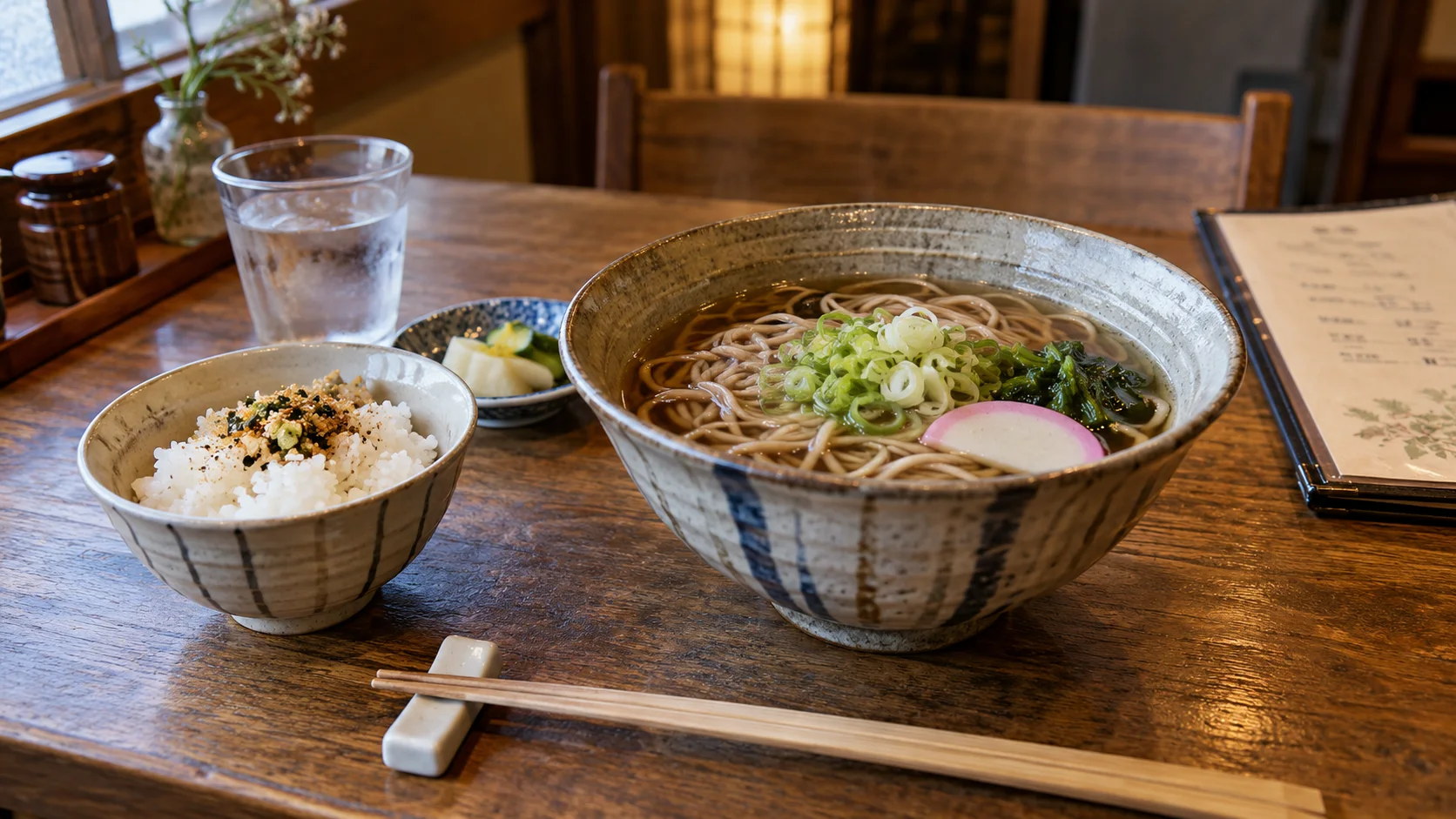
Japanese → English · Illustrative workflow
From a menu phrase to a useful question
Keep the original words visible so you can compare the translation with the menu.
-
Read the menu
Japanese input
そば
-
Check the translation
English translation
Soba noodles
-
Ask the next question
Knowing the dish name helps you order. Ask restaurant staff about ingredients or allergies before choosing.
iPhone workflow
Use Translate Us for the moment in front of you
- Open Translate Us on iPhone and choose voice, text, photo, or live camera for the input you have.
- Set the source and target languages, then read or listen to the translation in context.
- Use real-time conversation when two people need to follow the exchange.
- Continue with the translator keyboard for messages or the AI dictionary for a word, meaning, or example.
Phrases to translate
Short messages to prepare
Choose your source and destination languages in Translate Us, then translate one message at a time.
Where is the ticket office?What is included in this set meal?We will arrive at 19:30.Could you write it in Japanese, please?
Quick check
Before you translate
- List the Japan situations you expect.
- Use the same Japanese inputs.
- Record device, version, tier and date.
- Test menus, signs, spoken questions, two-person follow-ups, messages and word context separately.
- Check prices and time values.
- Test the required mode with your language pair.
- Keep the original Japanese and confirm important details with staff or official sources.
- Read Japan’s official language and etiquette guidance.
- Keep accuracy and offline support unknown until verified.
- Choose from real task results, not a generic list.
FAQ
Frequently asked questions
What is the best Japanese translator app for travel?
The best fit depends on your tasks. Test menus, signs, short voice exchanges, a two-person follow-up, written replies and word context on your iPhone. Translate Us is one option with listed tools for those tasks; this guide does not establish a tested overall winner.
Can Translate Us help with Japanese menus and signs?
Its official listing names photo and camera translation, plus text, voice, keyboard and dictionary tools for follow-up. Test a clear Japanese menu or sign, keep the original and confirm unclear details with staff. Listed camera support is not a guarantee for handwriting or every Japanese input.
Should I use an app instead of learning Japanese phrases?
Use both where possible. JNTO’s language resources offer visitor expressions, while an app can support longer or visual interactions. Neither removes the need for local context and confirmation.
Sources
Useful links
Take it with you
Try Translate Us on iPhone
Translate voice, text, photos, and live camera input across 200+ languages. Use real-time conversation, the translator keyboard, or AI dictionary when the moment changes.
Explore Translate Us