Translate Us Travel Language
How to travel abroad without speaking the local language
Short answer: Prepare written trip details, a few essential requests and a way to ask for clarification. Translation can help with everyday exchanges, but keep official instructions and human help available for decisions you cannot safely guess.
A practical plan for traveling abroad without speaking the local language, using preparation, visual context, short conversations, and honest limits.

Published by Clara Publisher
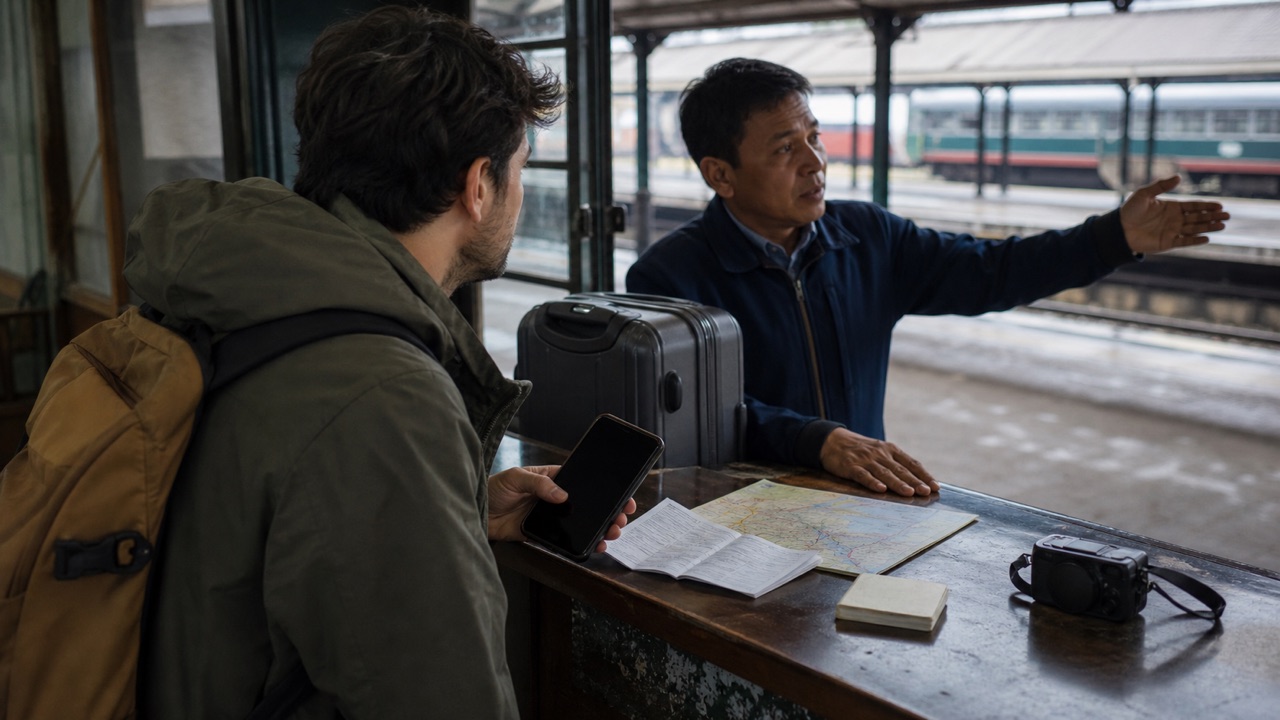
Start with your first hour after arrival: find transport, show an address and reach your accommodation. Prepare those details before adding a long vocabulary list.
Use Translate Us to translate a short request or read printed text. Keep copies of the address and booking outside the app, because a translator alone is not a backup plan for a lost connection or flat battery.
Spanish → English · Illustrative workflow
One question, ready for the next exchange
Choose Spanish and English for this example. Keep each turn short enough to check.
-
Start with a short question
Spanish input
¿Dónde está la estación?
-
Read the translated meaning
English translation
Where is the station?
-
Confirm the answer
Take turns speaking. If the reply names a street or a time, confirm that detail before you move on.
Prepare a first-hour card
Use the accommodation's own address and local-script name if supplied. Copy rather than retype long identifiers, then check them against the confirmation.
- Please take me to this address: [address].
- Is this the correct platform for [destination]?
- I have a reservation under [name].
- I do not understand. Could you write it down?
Example
Illustrative French phrase: ‘Is this the train to Lyon?’ → ‘Est-ce le train pour Lyon ?’ Useful action: compare the destination and service with the operator's board or staff confirmation. Editorial illustration, not a timetable or captured app result.
Use the next task to choose a mode
Type an exact destination or request. Use voice for a short spoken exchange. Use photo/camera translation when a menu, ticket or sign is the obstacle.
If a host replies by message, check the time, address and any negative words before sending a translated keyboard reply. Keep the original message available for clarification.
Prepare for the reply as well
One translated question may bring a long answer. Keep repair lines ready: ‘Please speak slowly’, ‘Could you show me?’ and ‘Could you write it down?’ Give the person time to respond.
Ask a hotel, transport employee or other responsible person when an instruction remains unclear. For a medical, legal or emergency decision, use an appropriate professional or official service.
Try a small workflow before the flight
Use a sample sign and one arrival request while you have time to learn the controls. Confirm that your phone can access the app where you expect to use it; no offline mode is assumed here.
Install Translate Us to try the listed translation modes for your first-hour card. Keep the communication kit short enough to find and show when you are carrying luggage.
iPhone workflow
Use Translate Us for the moment in front of you
- Open Translate Us on iPhone and choose voice, text, photo, or live camera for the input you have.
- Set the source and target languages, then read or listen to the translation in context.
- Use real-time conversation when two people need to follow the exchange.
- Continue with the translator keyboard for messages or the AI dictionary for a word, meaning, or example.
Phrases to translate
Short messages to prepare
Choose your source and destination languages in Translate Us, then translate one message at a time. Replace bracketed details before using a phrase.
Please take me to this address: [address].Is this the correct platform for [destination]?I have a reservation under [name].Could you show me where to go?
Quick check
Before you translate
- Save local-script addresses from the provider.
- Prepare the first hour after arrival.
- Keep bookings outside the app.
- Prepare repair phrases.
- Check current official travel requirements separately.
FAQ
Frequently asked questions
Do I need fluency for every ordinary travel task?
You can prepare short requests and written details for predictable exchanges. The level of help you need depends on the destination and task.
What should I prepare first?
Your accommodation address, arrival transport, reservation details and a request for clarification.
Can I rely only on a translation app?
Keep readable copies and official contacts outside the app. Get qualified help for decisions that cannot safely depend on an uncertain translation.
Sources
Useful links
Take it with you
Try Translate Us on iPhone
Translate voice, text, photos, and live camera input across 200+ languages. Use real-time conversation, the translator keyboard, or AI dictionary when the moment changes.
Explore Translate Us